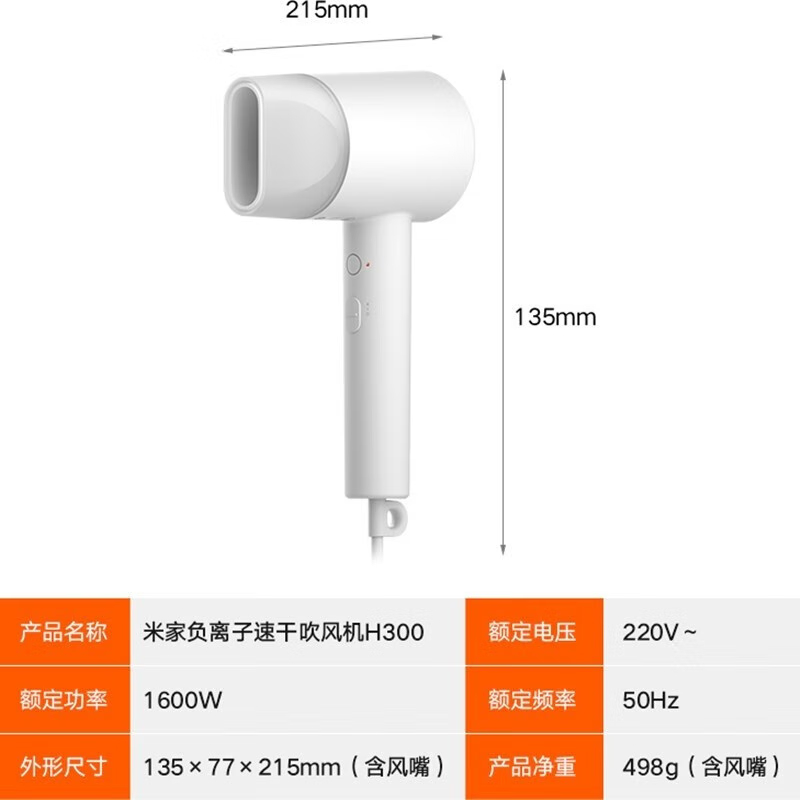
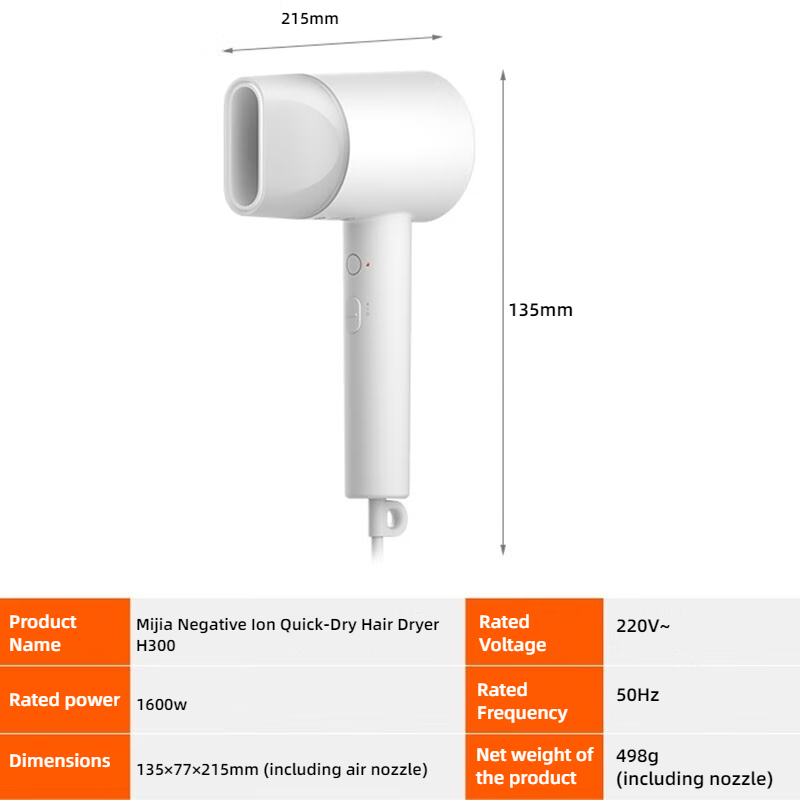
Powered by on-device AI models — one purchase, unlimited image translation. Process images in batch and export multi-language versions in one go for your cross-border product listings.
Win10 / Win11 64-bitLocal AI processing, fasterNo limit on image count
After · ENBefore · ZH
Key Features
Why Choose Cross-Border Toolbox Image Translation
From recognition and translation to retouching and export — full product-image localization in one workflow
On-Device OCR & AI Recognition
Text is recognized by a local AI model — data never leaves your PC, for faster and safer processing. Supports Chinese and English OCR.
Unlimited Usage
After subscribing, use it unlimited times with no image limits. Translation runs on the free tiers of Alibaba Cloud and Tencent Cloud — no extra fees.
Real-Time Translation Check
Bing, Google, Alibaba Cloud and Tencent Cloud engines built in. Switch with one click and verify translations in real time for accuracy.
Batch & Multi-Language Export
Import JPG / JPEG / PNG files in batch and export images in multiple languages at once — no repetitive work.
Smart Background Repair
Solid-color fill, smudge fill and AI eraser for seamless removal — complex backgrounds restored without a trace.
Text Style Customization
Adjust fonts, weight, color and stroke freely; add custom text, blocks and imported images; apply styles in batch.
One-Click Watermark
Add watermarks to translated images in one click to protect your work from being reposted.
Export PSD Source Files
Export layered Photoshop source files with editable layers — perfect for later edits and keeping proof of your original work.
Real Results
Real Before & After Results
Three real translation cases — quality you can see with your own eyes
01 · Complex Background
Complex backgrounds, perfectly preserved
After the original text is removed, the background is intelligently restored — gradients, textures and real-world backdrops rebuilt seamlessly, with no trace left behind.
BeforeZH
AfterEN
02 · Accurate Translation
Accurate translation, zero trace
Powered by Bing, Google, Alibaba Cloud and Tencent Cloud engines with real-time verification, the copy is accurate and natural — seamlessly blended into the image.
BeforeZH
AfterEN
03 · Complex Scenes
Complex scenes, translated just as easily
Dense text, mixed languages, rotated or perspective text — even the trickiest cases are recognized and translated reliably.
BeforeZH
AfterEN
01 / 03
How It Works
Six Steps to Translated Images
An intuitive interface with one-click operations — beginners can master it in minutes.
Download, Install & Sign In
Download the installer, install it, then sign up and log in to get started.
Windows 10 / 11 64-bit
Open Image Translation
Open Image Translation and choose your files — batch import is supported.
JPG / JPEG / PNG formats
Auto OCR & Translation
The local AI model recognizes text and translates it into your target language automatically.
Chinese & English OCR
Review OCR & Translation
Edit misrecognized text directly; if a translation looks off, switch engines and re-translate with one click.
Bing / Google / Alibaba / Tencent
Fine-Tune the Details
Adjust text size, color, font and stroke; add shapes, images and text manually for a perfect finish.
Background repair: solid fill / smudge / AI eraser
Save & Multi-Language Export
Save everything with one click, or export layered PSD files. Switch the target language and re-translate to export more languages.
One process, many languages — no rework
Language Support
Translate into 18 Languages
Covering all major cross-border markets — one image for your global business